The AI Revolution, Now in App Form
It's hard to believe how quickly artificial intelligence went from a niche research topic to something you can casually chat with while waiting in line for coffee. The official ChatGPT app on Google Play has become the mobile face of that shift, putting OpenAI's most capable models—including GPT-4o—directly into the hands of anyone with an Android device. With over 58 million reviews and a rating that reflects both genuine enthusiasm and honest frustration, it's clear this isn't just another app; it's a cultural phenomenon. But what does it actually feel like to use on a daily basis? And is it worth the space on your phone? Let's dig in.
What the App Actually Offers
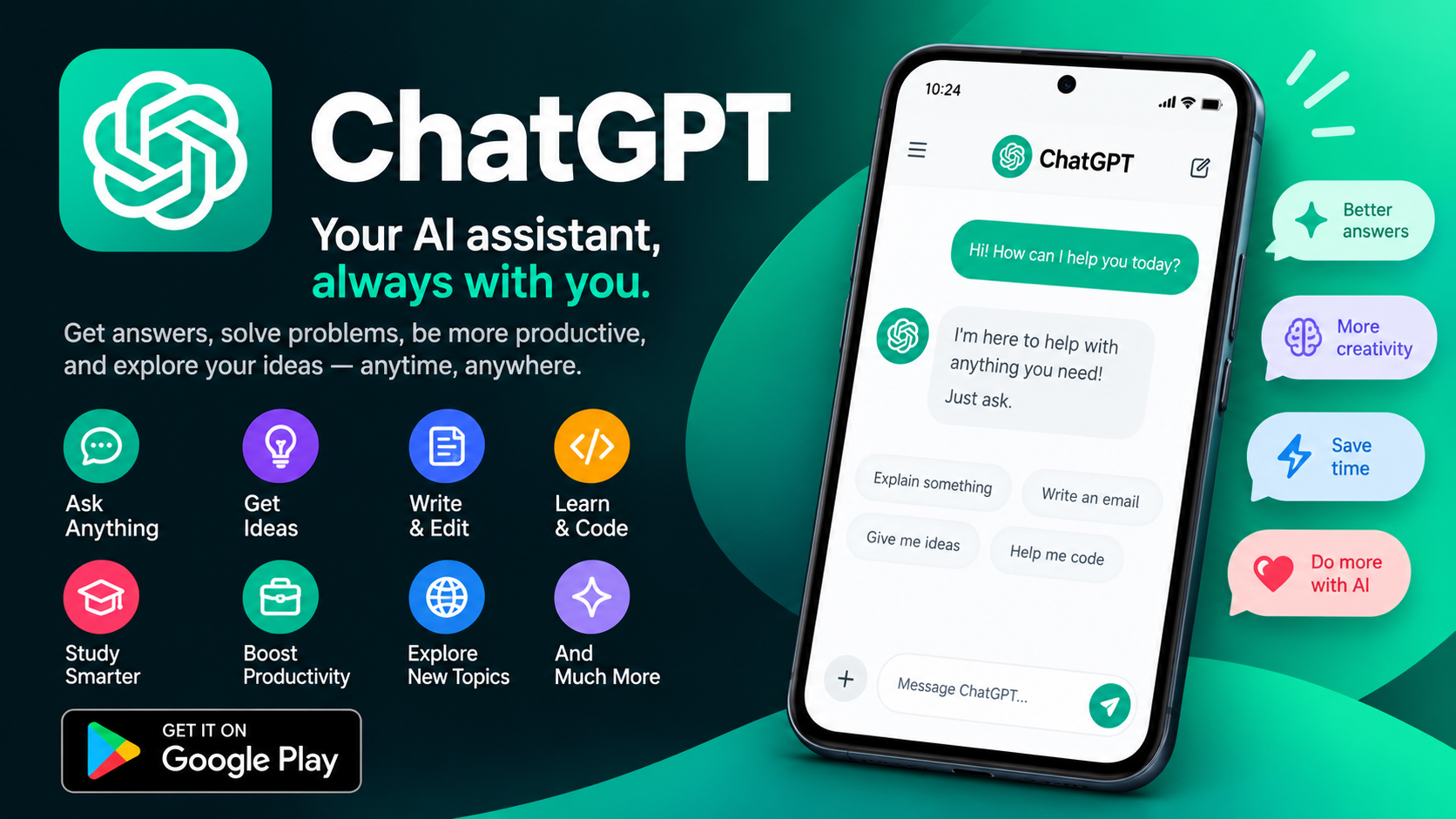
At its core, the ChatGPT app is a conversational AI assistant that can help with an impressively wide range of tasks. The official listing highlights several standout features that go well beyond simple text chat. Voice Mode lets you tap a headset icon and speak naturally—useful for hands-free queries, brainstorming out loud, or even getting a bedtime story read to your kids. Photo upload means you can snap a picture of a handwritten recipe, a monument you're curious about, or a confusing diagram and ask questions about it directly. There's also support for creative inspiration (gift ideas, personalized cards), customized advice (drafting replies, navigating tricky conversations), personalized learning (explaining electricity to a dinosaur-obsessed child), and professional input (marketing copy, business plans). The app is free to download, and OpenAI continues to push model improvements to mobile users alongside desktop.
Where the App Shines
When it works well, the ChatGPT app feels almost magical. The voice mode in particular has won over users who use it for language practice, pronunciation correction, and even live conversation rehearsal. One reviewer noted using the live voice feature regularly to practice speaking and correct their accent—a use case that would have required a human tutor just a few years ago. The photo upload feature is another quiet triumph: being able to transcribe a handwritten recipe or ask about a landmark in real time makes the AI feel genuinely integrated into your physical environment. For quick tasks—drafting an email, summarizing a block of text, generating ideas—the app is fast, responsive, and remarkably capable. It's the kind of tool that gradually replaces a dozen smaller searches and mental notes throughout your day.
The Rough Edges Users Keep Hitting
No honest review of the ChatGPT app can ignore the complaints, and there are plenty. A highly upvoted review from January 2026 pointed out that formulas often display as garbled or incomplete text on mobile, sometimes getting cut off entirely—forcing users to switch to the desktop web version just to read a math or science response properly. The same reviewer noted frequent lag, especially when loading images, which seem to re-download from the cloud every time instead of caching locally. Chat history also stutters and freezes during scrolling. These aren't dealbreakers, but they're persistent annoyances that make the mobile experience feel less polished than it should be. For an app backed by one of the most valuable AI companies in the world, users reasonably expect smoother performance.
What Users Are Asking For
The review section reads like a feature wishlist, and some of the requests are genuinely thoughtful. One user proposed that long-pressing the chat input box should immediately start voice input, removing the extra tap on the microphone button. Another asked for an auto-read-aloud feature so ChatGPT automatically speaks its replies without manual taps, with a simple toggle to turn it on or off. There's also demand for finer voice controls—adjustable speed (up to 1.5x or 2x), pitch, tone, and pause behavior, with settings that persist across chats. A particularly insightful request was for consistency across chat modes: if you adjust voice preferences in one conversation, those settings should carry over into new chats and voice modes, rather than resetting every time. Users also want the AI to learn their preferred communication style over time instead of starting fresh each session.
Bugs and Quirks Worth Knowing About
Beyond feature requests, there are real bugs that users have documented. One reviewer reported that in the live voice mode, after two or three exchanges, the AI sometimes forgets the original text that was uploaded for reading practice and starts inventing sentences instead—a problem that doesn't occur in regular text chat. Another frustration: the latest live voice feature isn't available inside Projects, forcing users who built language-learning projects to abandon them and practice outside the project structure. These are the kinds of issues that don't show up in a feature list but matter enormously to power users who rely on the app daily. OpenAI's support contact is listed in the app, and the company does update regularly, so some of these may be resolved over time.
Privacy, Data, and What You Should Know
Any app that handles your conversations, photos, and voice input deserves a privacy check. According to the Google Play data safety section, the ChatGPT app may share device IDs with third parties and may collect location data, personal information, and several other categories of data. The good news: data is encrypted in transit, and users can request that the developer delete their data. That said, "encrypted in transit" doesn't mean your conversations are private from OpenAI—they're not. If you're using the app for sensitive work, it's worth reviewing OpenAI's terms and privacy policy carefully. For casual use—brainstorming, learning, drafting—the tradeoff is one most users accept, but informed consent is always better than blind trust.
The Verdict: A Must-Have With Room to Grow
So is the ChatGPT Android app worth downloading? For most people, yes—unequivocally. It's free, it's powerful, and it puts one of the most useful technological tools of our time into your pocket. The voice mode alone justifies the install for language learners and hands-free users. The photo upload feature makes it genuinely useful in the physical world. But it's not perfect. The display bugs, lag, and missing voice-mode consistency are real friction points that OpenAI should address. If you can tolerate some rough edges in exchange for a remarkably capable AI assistant, this app earns its place on your home screen. If you need flawless performance for professional or academic work, you may find yourself switching to the desktop version more often than you'd like. Either way, the trajectory is clear: mobile AI is here to stay, and ChatGPT is leading the charge—imperfections and all.