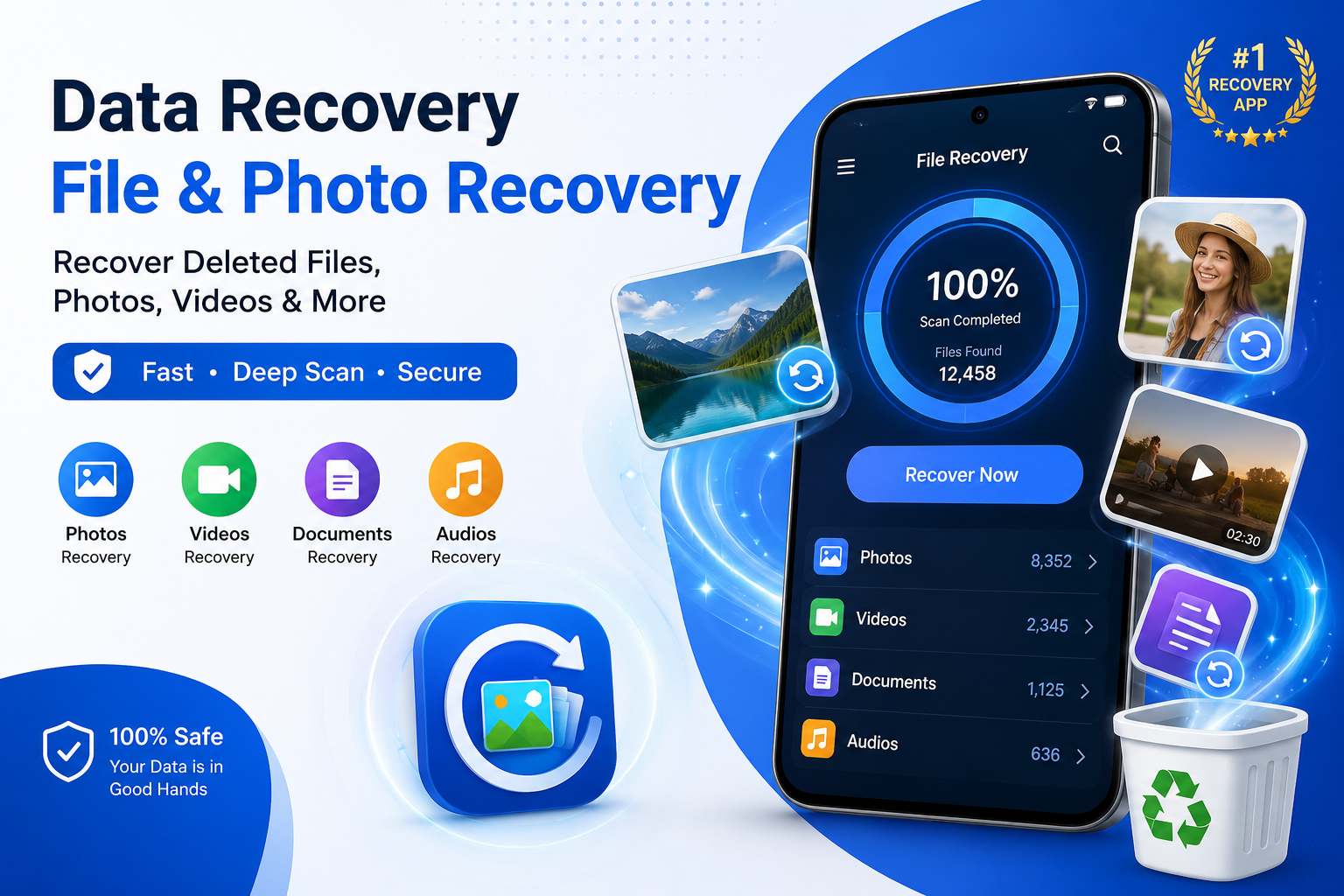
Accidentally deleting an important photo, video, document, or audio recording can be frustrating. Sometimes, files disappear before you realize they are important, while in other situations they may be deleted during storage cleanup. Data Recovery – File Recovery is designed to help Android users search their device storage for potentially recoverable files and restore the ones they need.
A Convenient Solution for Deleted Files
Data Recovery – File Recovery provides a straightforward way to search for files that may still be recoverable after deletion. Instead of manually checking multiple folders, users can start a scan and allow the application to search available storage for recoverable content.
The app can be useful for recovering different types of files, including:
- Photos and images
- Videos
- Audio recordings
- Documents
- Other supported files
Quick Scan for Recently Deleted Files
When a file has been deleted recently, users may want to begin with a quick search. The Quick Scan feature is designed to examine storage efficiently and identify potentially recoverable media without requiring a lengthy scanning process.
A basic recovery process can be completed in a few steps:
- Open the application.
- Start a Quick Scan.
- Review the files discovered.
- Select the files you want to recover.
- Restore the selected files.
This makes the process accessible even for users without technical experience.
Deep Scan for a More Thorough Search
If a Quick Scan does not locate the required files, a Deep Scan can provide a more comprehensive search. This option is intended for situations where users are looking for older or less easily identifiable deleted files.
Because a deeper search examines more storage information, it may take longer than a quick scan. However, it can be a useful option when the first scan does not produce the expected results.
Recover Deleted Photos
Photos are some of the most valuable files stored on smartphones. Family pictures, travel memories, screenshots, work images, and other important photographs can sometimes be deleted accidentally.
Data Recovery – File Recovery allows users to search for potentially recoverable images. After scanning, users can review available results and select the pictures they want to restore.
This can save time because users do not necessarily have to recover every file discovered during the scanning process.
Recover Videos and Audio Files
The application also supports searching for deleted videos and audio files. This can be useful when important recordings, personal videos, voice notes, or other media have accidentally disappeared.
Users can scan their storage and review the available results before choosing which files they want to restore. Having different media categories can make it easier to locate a particular type of deleted content.
Recover Important Documents
Smartphones are now frequently used for education, business, and personal work. As a result, important documents may be stored directly on a phone.
Losing a PDF, presentation, spreadsheet, text file, or another important document can be inconvenient. Data Recovery – File Recovery provides file-search functionality that can help users look for potentially recoverable documents and other supported file types.
Preview Files Before Recovery
Another useful part of the recovery process is being able to review files before restoring them. Previewing available results helps users determine which files are actually needed.
Instead of recovering hundreds of unnecessary files, users can carefully examine the scan results and select only the items they want to keep.
Simple Recovery Process
The application is designed to keep the recovery process relatively simple. Users do not need to understand complicated storage-management procedures to begin searching for deleted files.
The overall workflow can be summarized as:
- Scan: Choose Quick Scan or Deep Scan.
- Review: Examine the files discovered.
- Preview: Check supported media where available.
- Select: Choose the files you need.
- Recover: Restore the selected files.
This simple workflow makes the tool suitable for everyday users who want a convenient way to search for deleted content.
Things to Know About File Recovery
It is important to understand that file recovery is not always guaranteed. Whether a deleted file can be recovered depends on several factors, including the device, storage system, Android version, permissions, and whether the original storage space has already been reused by new data.
For this reason, if you accidentally delete an important file, it is better to begin the recovery process as soon as possible. Avoiding unnecessary downloads and new files can also help prevent deleted data from being overwritten.
Privacy and Data Protection
When using any file-recovery application, privacy should be considered carefully because the application may need access to files and storage on the device. Users should review the application’s privacy information and permissions before granting access.
It is especially important to be cautious when recovering private photographs, personal documents, business files, or other sensitive information.
Final Thoughts
Data Recovery – File Recovery provides a practical approach to searching for potentially recoverable photos, videos, audio files, documents, and other supported content. Its combination of Quick Scan, Deep Scan, file categories, preview functionality, and a straightforward recovery process makes it useful for users who have accidentally deleted important files.
Whether you are trying to recover an old photograph, an important video, a voice recording, or a document, the application provides tools that can help you search your device for recoverable content.
However, users should remember that successful recovery depends on the condition of the deleted data and the device’s storage system. Starting the recovery process quickly and reviewing results carefully can give you the best opportunity to find the files you are looking for.