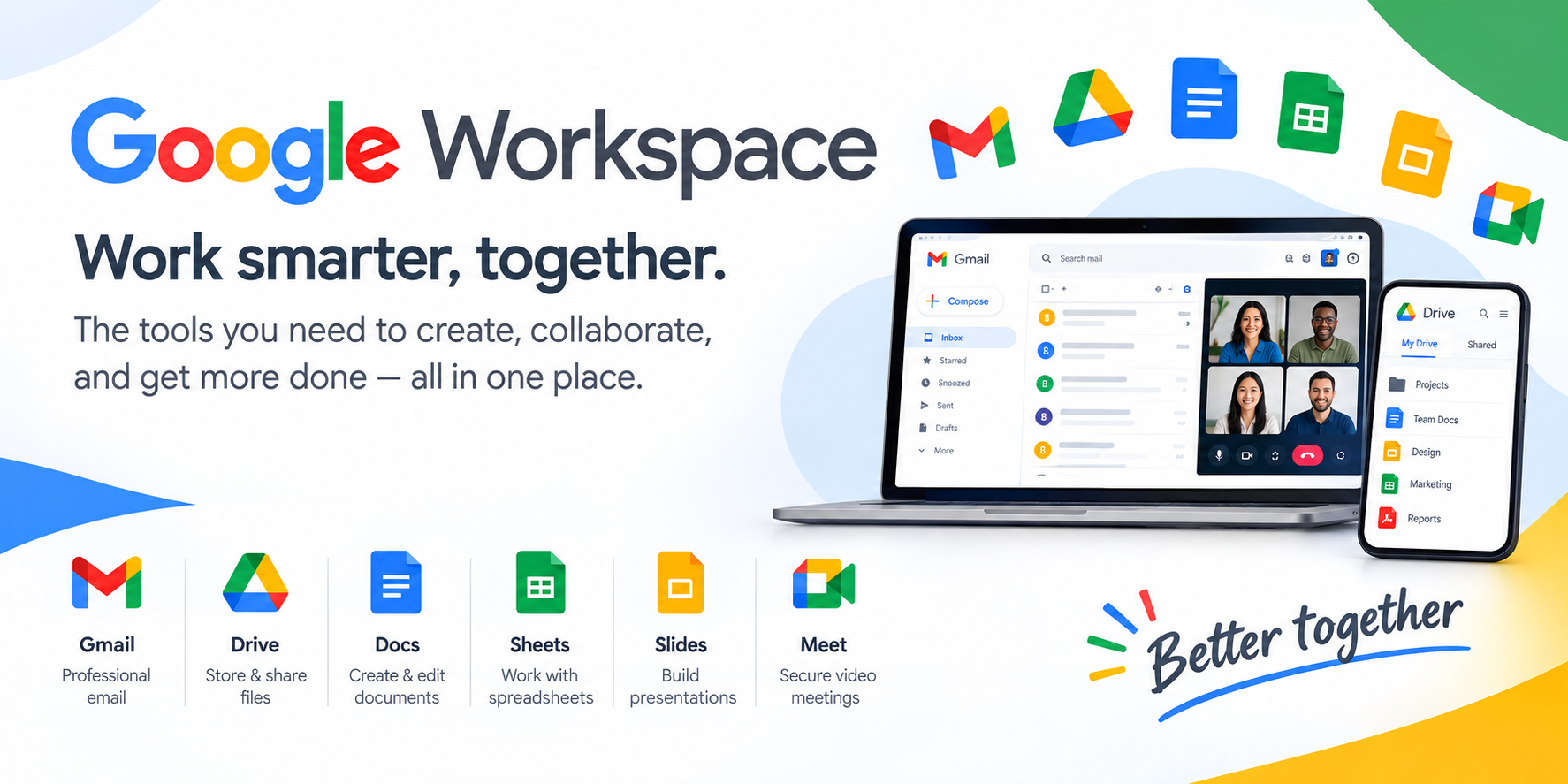
What Is Google Workspace, Exactly?
If you've ever used Gmail, Google Docs, or Google Drive with a personal account, you already understand the building blocks of Google Workspace. What you may not realize is that the platform has evolved far beyond a collection of familiar apps. Google Workspace is a subscription-based productivity and collaboration suite designed specifically for businesses, schools, and organizations—bundling professional email, cloud storage, video conferencing, document creation, and now a full layer of artificial intelligence into a single, unified package.
The core promise is straightforward: instead of juggling a dozen disconnected tools, your team gets one integrated environment where everything talks to everything else. A file shared in Drive can be attached to a Gmail thread, discussed in a Meet call, and tracked in a shared Calendar—all without leaving the Google ecosystem.
The Full Toolkit: What's Actually Included
One of the most common misconceptions about Workspace is that it's "just Gmail for business." In reality, the suite contains a remarkably deep bench of applications. Here's what you get across the board:
- Gmail – Custom business email at your own domain (you@your-company.com), with branded layouts and mail merge capabilities
- Drive – Cloud storage with up to 5TB per user on higher tiers, backed by Google's security infrastructure
- Meet – HD video conferencing with noise cancellation, recording, and live transcription
- Calendar – Shared scheduling plus appointment booking pages that let clients reserve time with you directly
- Chat – Team messaging built for quick collaboration
- Docs, Sheets, Slides – The familiar word processing, spreadsheet, and presentation tools, now cloud-native and always up to date
- Vids – A dedicated video editor for creating polished content
- Keep, Sites, Forms, Tasks – Notes, team websites, surveys, and to-do management
- Gemini – Google's AI assistant, woven directly into the apps you already use
- Gemini Notebook – An AI research assistant for deeper investigative work
- AppSheet – No-code app and automation building
The through-line here is integration. These aren't separate products with loose connections—they're designed to work as one continuous workflow.
The AI Layer: Gemini Changes the Game
The headline development in recent years is the deep integration of Gemini, Google's AI model, across the entire suite. This isn't a bolted-on chatbot sitting in a sidebar—it's contextual AI that understands what you're working on. In Gmail, Gemini can draft replies and summarize long threads. In Docs, it can generate content and refine your writing. In Meet, it can capture notes and action items from your calls. In Sheets, it can surface data insights you might have missed.
For organizations, the more interesting capability may be Gemini Notebook, an AI research assistant that helps teams dig through information and synthesize findings. Combined with AI-powered data classification in Drive, the suite is increasingly capable of handling the busywork that eats into productive hours. The pitch is simple: less time hunting for information, more time acting on it.
Pricing Breakdown: Which Plan Makes Sense?
Google Workspace offers four main tiers, with annual commitments saving roughly 16% compared to monthly billing. Here's how they stack up:
Business Starter — $7/user/month (annual)
- 30 GB shared storage per user
- Custom business email
- Gemini AI in Gmail
- Video meetings for up to 100 participants
- Standard security and management controls
Business Standard — $14/user/month (annual)
- Everything in Starter, plus 2TB storage per user
- Gemini across Gmail, Docs, Meet, and more
- Gemini Notebook AI research assistant
- Meetings for up to 150 participants with recording and noise cancellation
- Appointment booking pages
- eSignature in Docs and PDFs
Business Plus — $22/user/month (annual)
- Everything in Standard, plus 5TB storage per user
- Meetings for up to 500 participants with attendance tracking
- Vault for data retention and archiving
- Advanced endpoint management and security controls
- eDiscovery capabilities
Enterprise — Custom pricing
- 5TB+ storage, S/MIME encryption
- Live streaming for up to 1,000 domain participants
- Data loss prevention (DLP) and context-aware access
- Enterprise data regions and Cloud Identity Premium
The Starter, Standard, and Plus tiers support up to 300 users, while Enterprise has no user limit. Every plan comes with a 14-day free trial, so you can test the waters before committing.
Security and Compliance: Built for Serious Business
For IT administrators and decision-makers, security is often the deciding factor—and this is where Workspace has invested heavily. The platform uses AI to automatically identify and classify sensitive data, helping reduce the risk of leaks and satisfy compliance requirements. Higher tiers add layers like data loss prevention, context-aware access controls, and enterprise-grade data regions that let you specify where your data physically resides.
Google also emphasizes transparency here. The suite is built on Google's cloud infrastructure, data is encrypted in transit, and administrators retain control over retention and deletion policies. For regulated industries—finance, healthcare, legal—these controls aren't nice-to-haves; they're prerequisites.
Migrating from Another Platform
Switching productivity suites sounds daunting, but Google has smoothed the path considerably. The company provides migration tools and setup guides designed to help teams of any size move their email, calendars, contacts, folders, and files over safely. For complex migrations, Google's partner network offers expert assistance to get teams up and running quickly.
A practical tip: start your 14-day trial before you migrate. This lets you explore the admin console, test Gemini features with your actual workflow, and confirm the suite fits your needs before you commit to a full transition.
The Verdict: Who Should Use Google Workspace?
Google Workspace makes the most sense for organizations that value collaboration, cloud-first workflows, and increasingly, AI-assisted productivity. Small businesses get professional email and a complete toolset at an accessible price. Growing teams benefit from the scalability and integrated collaboration. Enterprises gain the security, compliance, and management controls they need at scale.
If your team already lives in Gmail and Google Docs personally, the transition is nearly frictionless. If you're coming from a legacy suite, the 14-day trial and migration tools make it worth a serious look. Either way, the direction is clear: Google Workspace isn't just a set of office apps anymore—it's an AI-powered operating system for how modern teams get work done.