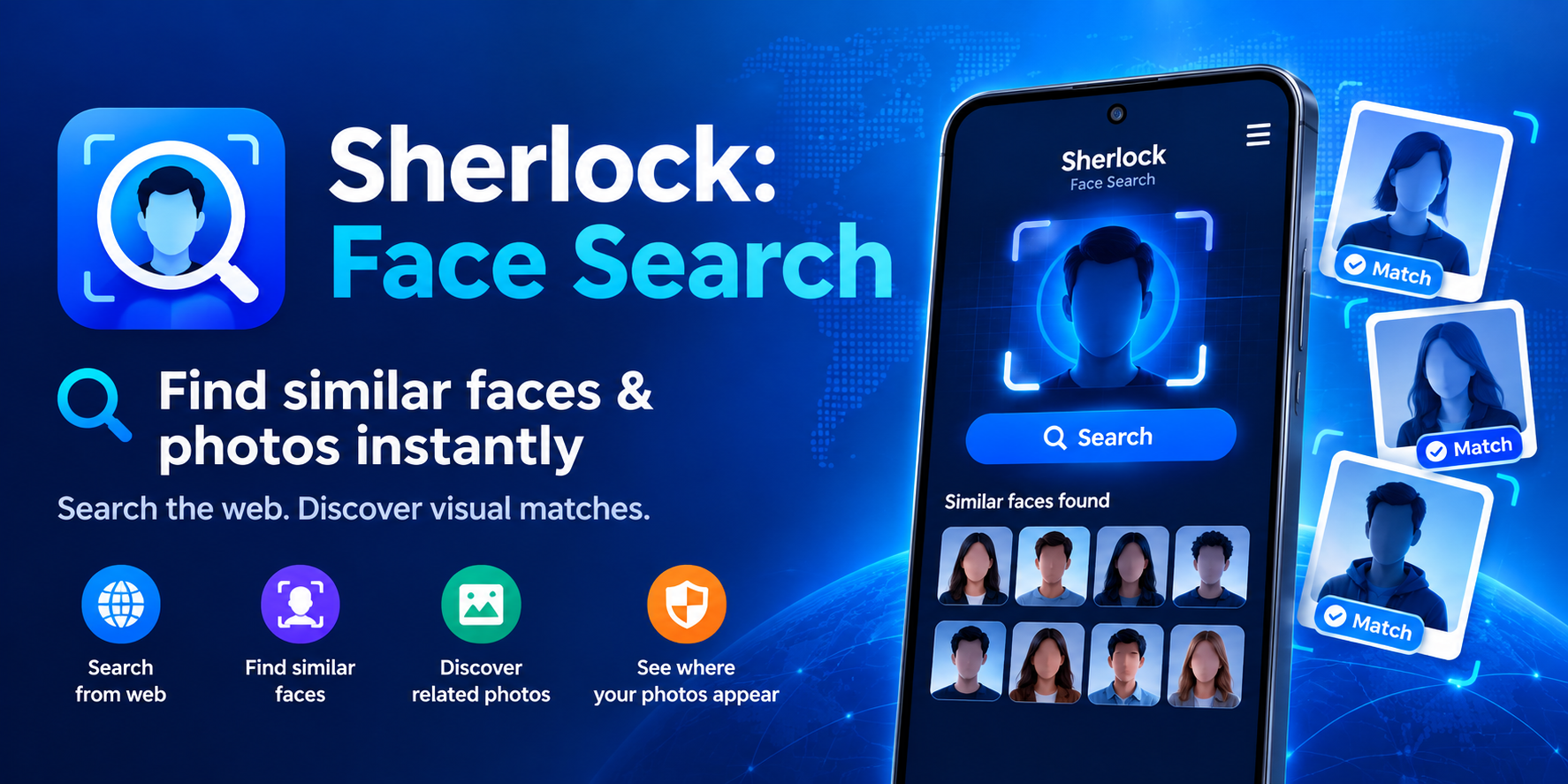
Have you ever wondered where your photos end up online? Maybe you posted a picture years ago on a social media platform you barely use anymore, or perhaps a friend tagged you in an image that's now floating somewhere in the digital wild. Most of us have a vague sense that our faces are scattered across the internet, but very few of us have any real way to track where. Enter Sherlock: Face Search, an Android app that promises to help you find visually similar images of your face across public web resources. It's a compelling pitch, especially in an age where digital privacy feels increasingly fragile. But before you hand over your photos and your subscription money, there are some important things to understand.
What exactly does Sherlock do?
At its core, Sherlock is a reverse image search tool specifically designed for faces and photos. The concept is straightforward: you upload a photo, and the app analyzes it to find visually similar images from public web sources. You can then tap on any result to open the original website and examine the image in detail. The app markets itself as a way to check whether your photos have appeared on sites you never authorized, whether someone has used your image without permission, whether duplicates or similar images exist online, and generally, what your digital footprint looks like. For anyone who has ever worried about impersonation, catfishing, or unauthorized use of their likeness, this sounds like a powerful tool to have in your pocket.
The privacy paradox: "We don't store your photos," but they collect your data.
One of Sherlock's biggest selling points is its privacy-first stance. The app claims that your photos are securely processed and never stored or shared. It also emphasizes that its focus is on protecting users, not identifying strangers — a subtle but important distinction, given the ethical concerns surrounding facial recognition technology. However, the data safety section on Google Play tells a slightly different story. According to the developer, the app may collect personal information, app activity, and device IDs, and while data is encrypted in transit, it is not shared with third parties. So while your photos may not be stored, your usage data and personal details are still being collected. It's not necessarily a dealbreaker, but it's worth knowing before you upload something sensitive.
How the credit and subscription system works.
Sherlock isn't a free app, and it's not a one-time purchase either. Running a search requires credits, which you earn through a subscription or in-app purchases. Here's how it breaks down:
- Each subscription tier includes a set number of credits per week.
- Unused credits may expire, so you can't stockpile them indefinitely.
- You can top up credits through in-app purchases if you run out.
- Subscriptions auto-renew unless you cancel at least 24 hours before the current period ends.
- Free trial periods are voided once you purchase a subscription.
This credit-based model means you need to think carefully about how often you'll actually use the app. If you're just curious about one or two photos, a subscription might feel like overkill. If you're someone who regularly monitors your online presence, it could be worth it — but the expiring credits add a layer of pressure that some users may find frustrating.
Who is this app actually for?
Sherlock isn't designed for everyone. It's not a general-purpose reverse image search tool like Google Images or TinEye. It's specifically focused on faces and photos of people. That makes it particularly useful for:
- Individuals concerned about impersonation or catfishing using their photos.
- People who want to audit their digital footprint and see where their images appear.
- Anyone who has shared photos publicly and wants to know if they've been scraped or reposted without consent.
- Privacy-conscious users who want a dedicated tool rather than manually searching across multiple platforms.
On the flip side, it's not for people looking to identify strangers, and the app explicitly states that its purpose is user protection, not surveillance. That's a responsible boundary, but it also means the tool's usefulness is limited to your own images.
The ethical tightrope of face search technology.
Face search technology sits on a razor's edge between protection and intrusion. On one hand, tools like Sherlock can empower individuals to reclaim control over their own likeness. On the other hand, the same technology, if misused, could enable stalking, harassment, or doxxing. Sherlock tries to walk this line by framing itself as a self-check tool rather than an identification tool. Whether that framing holds up in practice depends largely on how the app enforces its own rules — something users can't fully verify from the outside. The 201 reviews on Google Play suggest a modest but engaged user base, though the lack of a visible rating score makes it hard to gauge overall satisfaction.
What about accuracy and limitations?
Reverse image search is never perfect, and face-based search is even trickier. Factors like image quality, lighting, angle, and how widely a photo has been shared online all affect results. Sherlock may surface images that look similar but aren't actually of you, or it may miss images that exist on platforms that block crawling. The app doesn't guarantee comprehensive coverage of the entire internet — no tool does. It's also worth noting that the app relies on public web resources, meaning images behind login walls, in private messages, or on closed platforms won't show up. So while Sherlock can be a useful starting point, it shouldn't be treated as a definitive answer to the question, "Where are my photos?"
The bottom line: Useful, but proceed with realistic expectations.
Sherlock: Face Search offers a genuinely valuable service for anyone worried about their online image. The privacy-first messaging is reassuring, the credit system is flexible if a bit restrictive, and the focus on self-protection rather than stranger identification is ethically sound. But it's not a magic mirror that will reveal every place your face has ever appeared. It's a tool — one that works best when combined with good digital hygiene, like limiting what you post publicly and using platform privacy settings. If you're curious enough to try it, go in with clear eyes: understand the subscription model, read the privacy policy, and don't expect perfection. In the ongoing battle for digital privacy, every tool helps — but none of them is a complete solution on its own.